AIIM SUPPORT PORTAL
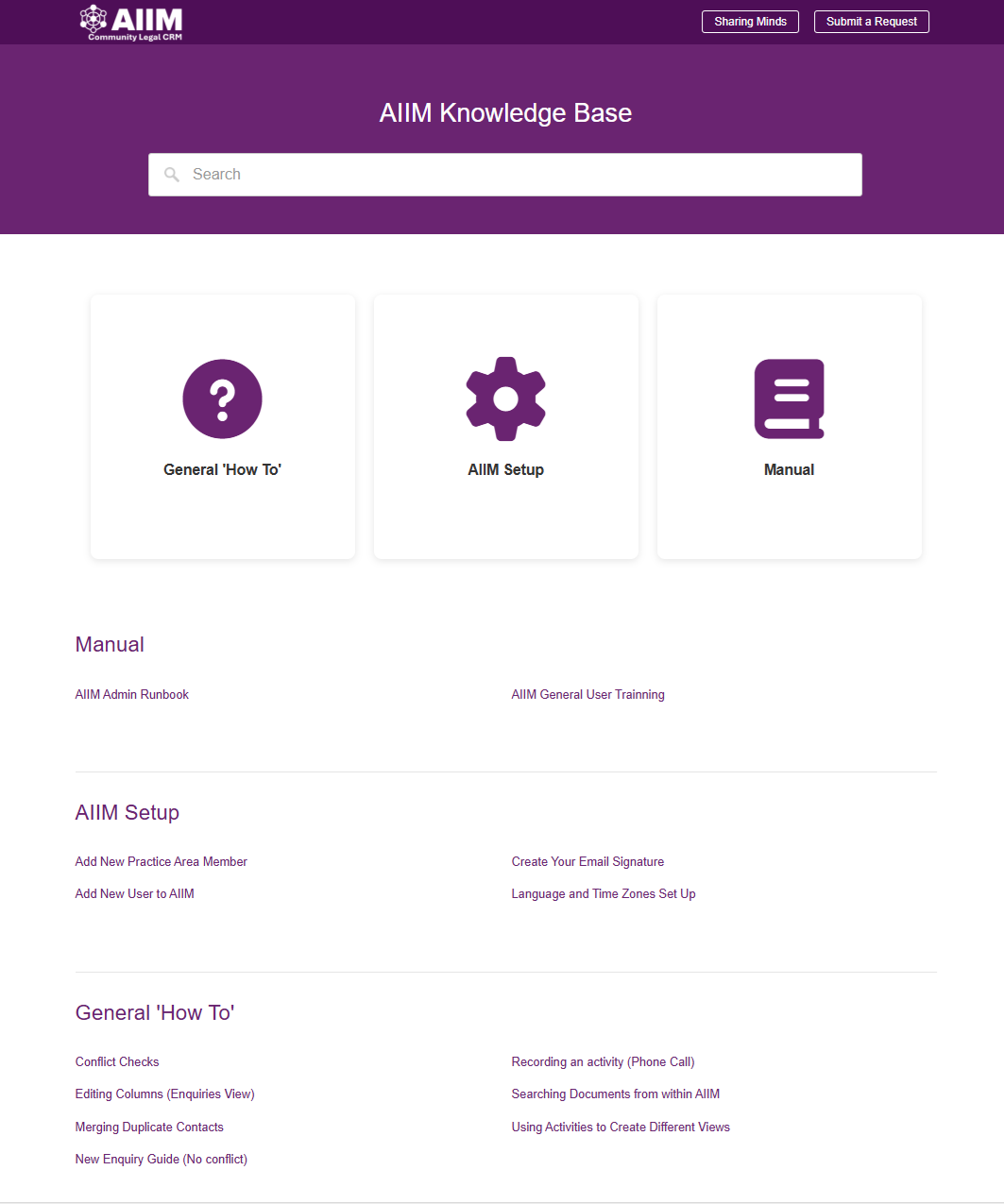
The AIIM Support Portal, empowers Community Legal Centre (CLC) users with easy access to training and support resources. Its clean, intuitive interface features a prominent search bar at the top, allowing users to quickly find answers to specific questions or locate detailed guides. This functionality ensures that staff can get the help and support they need efficiently without waiting for direct support, reducing downtime and improving productivity.
The portal organizes content into three main categories:
General “How To”,
AIIM Setup, and
Manual.
Each category addresses different user needs.
General “How To” section
Provides step-by-step instructions for everyday tasks such as conflict checks, editing columns, merging duplicate contacts, and recording activities like phone calls. These guides help users navigate common workflows confidently and maintain compliance with operational standards.
AIIM Setup section
Focuses on onboarding and configuration tasks, such as adding new practice area members, creating email signatures, and setting up language and time zones. This ensures that administrators and champions can configure the system correctly from the start, supporting a smooth implementation process.
Manual section
Includes comprehensive resources like the AIIM Admin Runbook and general user training materials, offering deeper insights for advanced users and those responsible for system governance.
By combining structured categories, searchable content, and practical guides, the AIIM Support Portal reduces reliance on external support channels and fosters self-sufficiency among CLC teams. It not only accelerates problem-solving but also enhances user confidence in managing AIIM, ultimately contributing to better service delivery and improved access to justice.
How to access the AIIM Support Portal
Click the link below and use the password provided by your local AIIM Administrator.